
From supplier PDF to ERP-ready draft
WythinForge Inbound AI Handler
A warehouse may receive hundreds of delivery notes to register, while building an EDI connection with every supplier is slow or simply unrealistic. Inbound AI Handler uses the PDF they can already provide as a common, reviewable input.
The story
An EDI project does not scale to every supplier
Warehouses can receive hundreds of delivery notes that someone must read and register. Removing that data entry through EDI often means opening a real integration project between the customer's IT department and each supplier's systems, with time, coordination and technical dependencies on both sides.
Not every supplier is structured enough to support that connection, and each of them serves many customers with different priorities. When the requesting company is not a high-priority customer, waiting for a dedicated integration can leave the manual process unchanged indefinitely.
The PDF becomes the shared interface
Inbound AI Handler removes that supplier-by-supplier friction by starting from a format every supplier can already produce after issuing a delivery note: the PDF. The document arrives in a processing folder, where a local pipeline reads it through a released supplier profile and keeps unknown or ambiguous layouts safely out of automatic extraction.
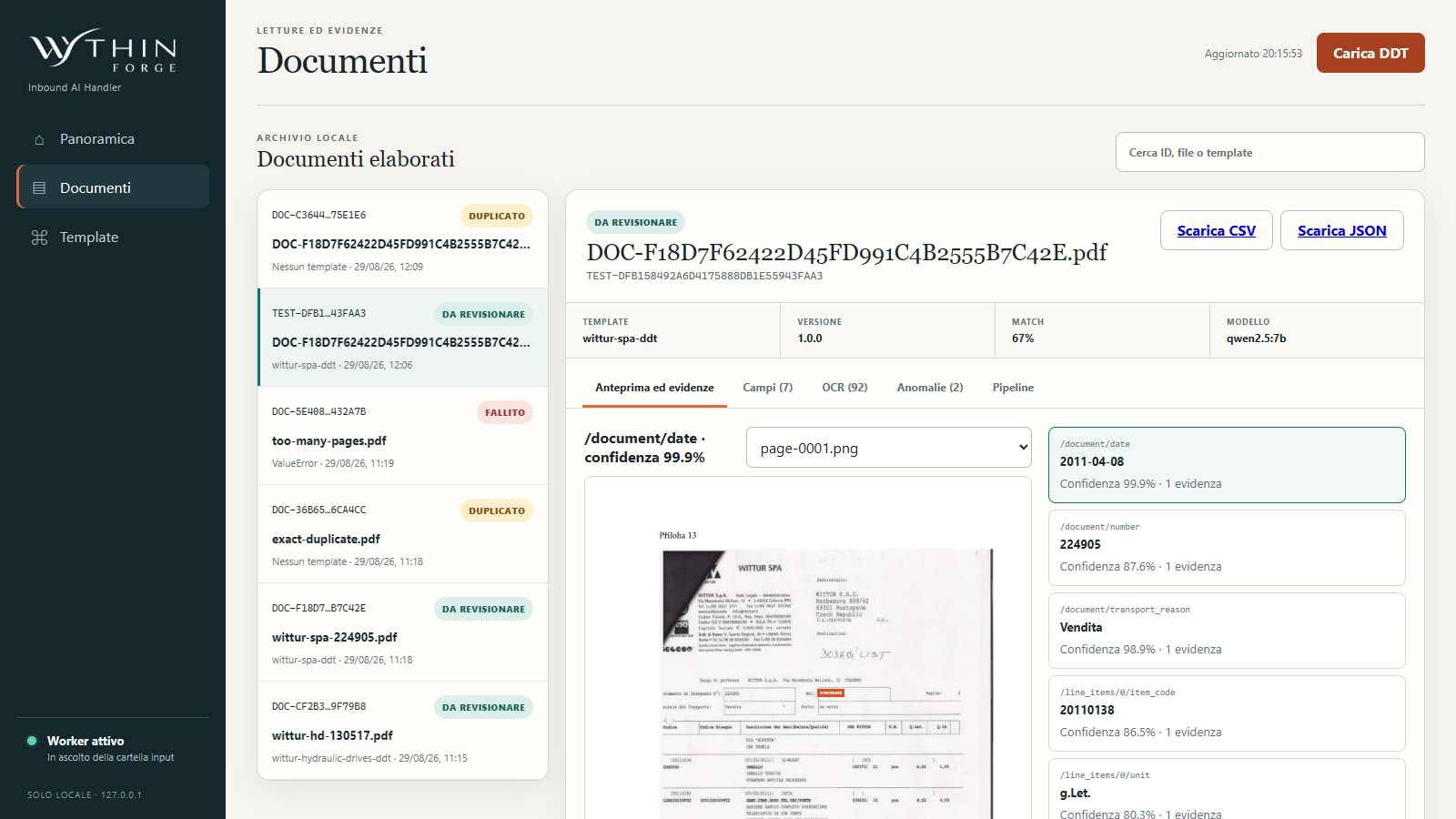
The pipeline proposes the document number, document date, purchase order, item code and quantity. Each value remains connected to its page and source evidence, so the operator can understand what was read rather than receiving an unexplained block of data.
Data entry becomes a coherence check
After extraction, the candidate fields are collected in a CSV that can be imported into the primary ERP, SAP in this example. The operator moves from retyping every line to checking that the proposed values are coherent with the original delivery note and resolving any anomaly before the import.
The export remains explicitly subject to human review: the handler does not approve the delivery note or write autonomously to the ERP. It removes most repetitive transcription while preserving a clear control point before the data enters the company's system of record.
What happens now
Common PDF intake
Receive the delivery-note format suppliers already provide and process it only through a reviewed, identifiable layout profile.
DDT field extraction
Propose document number, date, purchase order, item code and quantity while preserving page, confidence and source evidence.
CSV handoff with human control
Prepare a CSV for the ERP import flow, including SAP, while unknown layouts and unresolved fields stop for a person's decision.
The essential product evidence
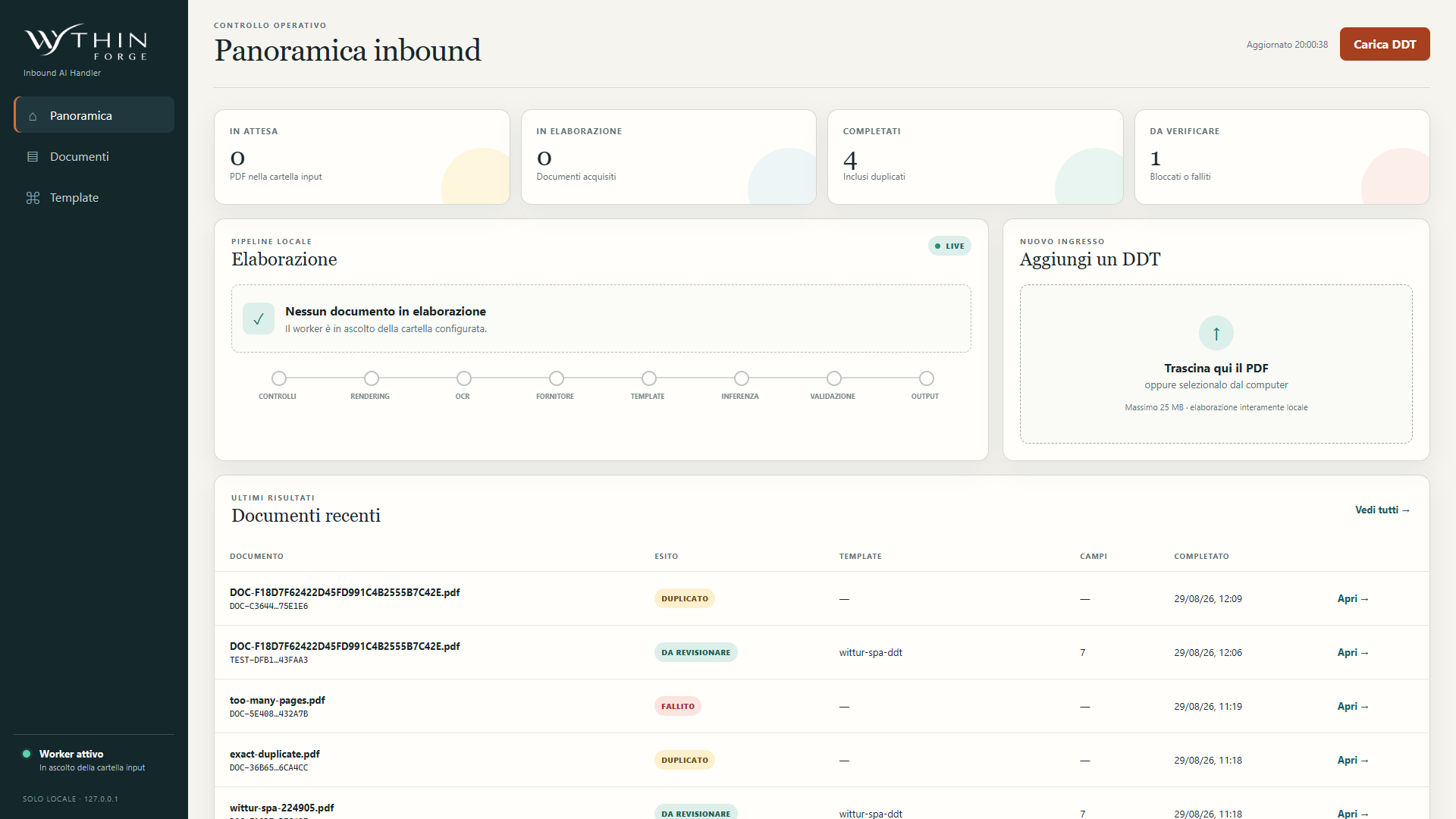
Only the most useful screens are shown. Product visuals use synthetic scenarios and may preserve the original Italian interface; customer outcomes remain separate from demo values.
Show me the delivery-note entry queue