
WythinForge Operation Partners
From priority order to receiving label.
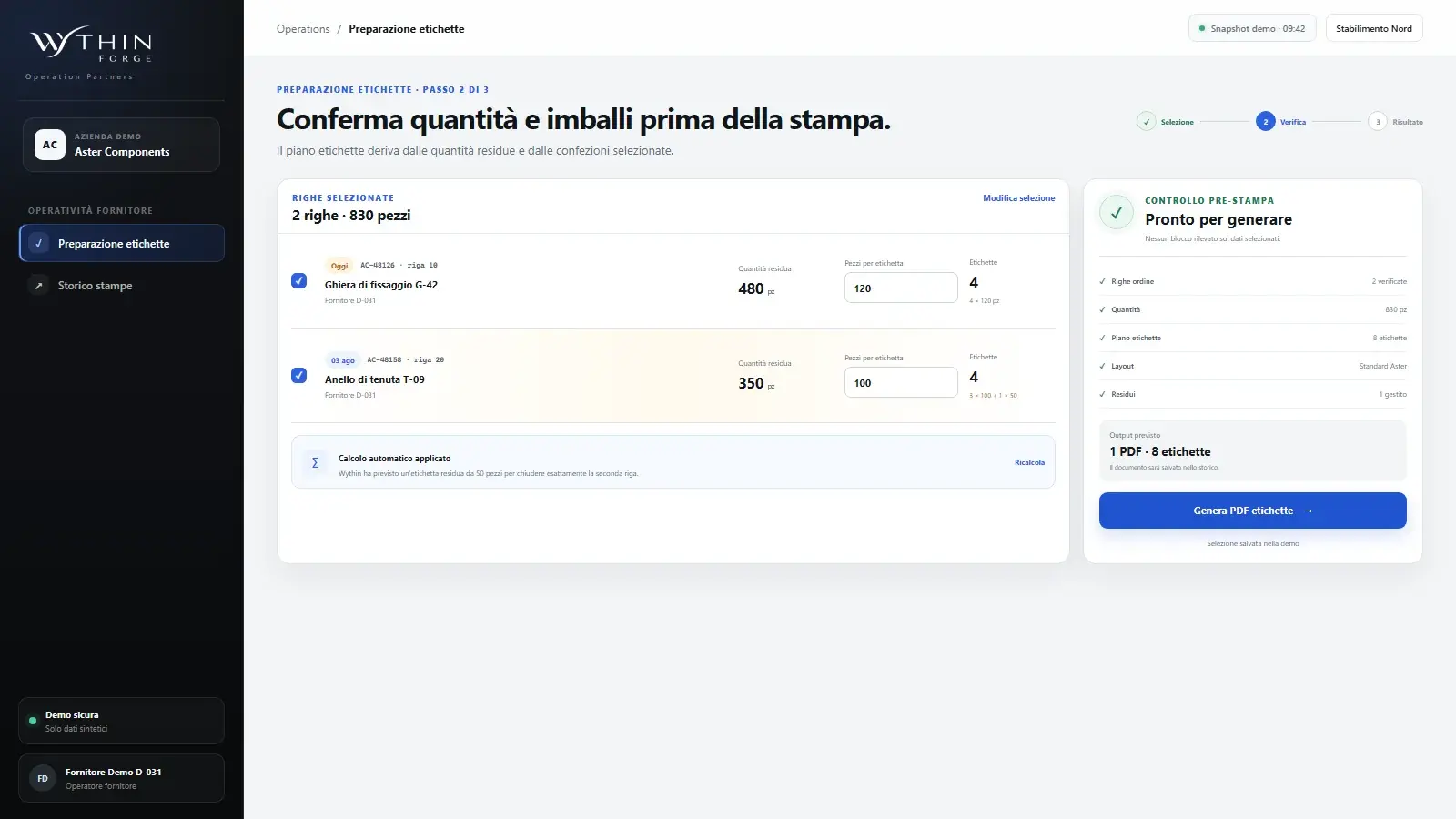
Watch the demo
A 30-second guided demo. A supplier workflow preview using synthetic data. WMS connection, backend generation and printing require a dedicated test. Time and reduced error opportunities are illustrative and need validation in your process. Interface in Italian.
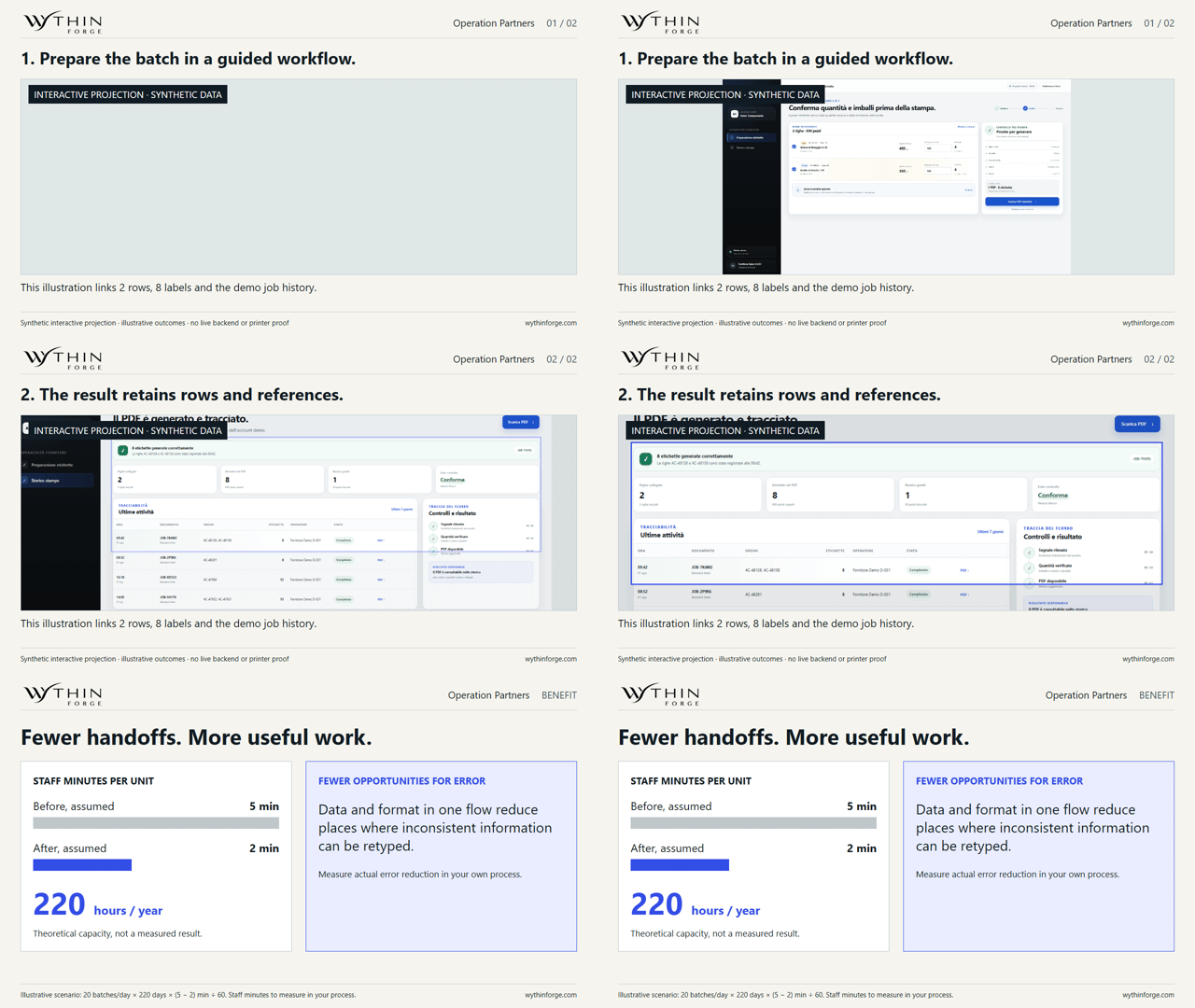
Read the demo walkthrough
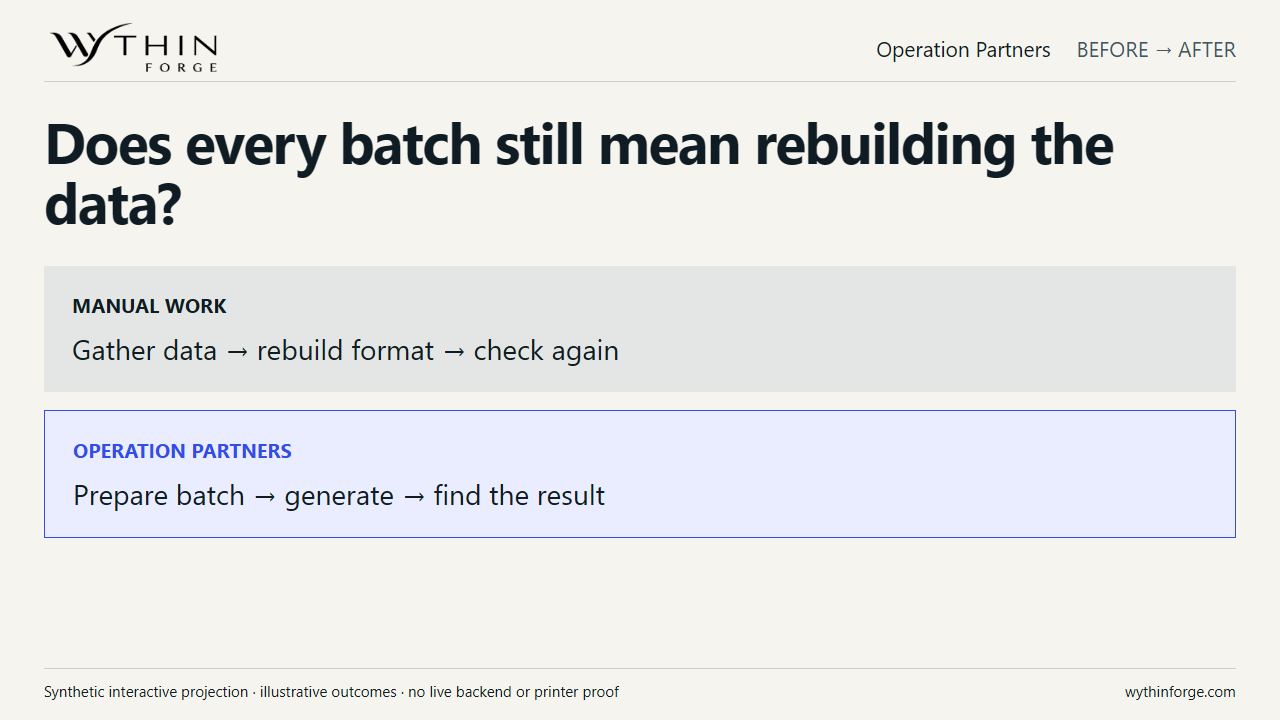
- Rebuild data and formats for each label batch.
- Prepare the batch using data and a label template in a guided flow.
- The preview links preparation and a sample label. WMS and printer steps need validation in your environment.
- Data, format and outcome in one flow reduce places where inconsistent information can be copied.
- Illustrative scenario: 20 × 220 × (5 − 2) min ÷ 60 ≈ 220 staff hours per year, not a measured result.
- A supplier workflow preview using synthetic data. WMS connection, backend generation and printing require a dedicated test.
Watch the WythinForge Operation Partners video
Step inside the process: the problem, the essential actions, the result. With music and captions.
Open or download the videoRead the video transcript
Ready data. Consistent labels.
- Rebuild data and formats for each label batch.
- Prepare the batch using data and a label template in a guided flow.
- The preview links preparation and a sample label. WMS and printer steps need validation in your environment.
- Data, format and outcome in one flow reduce places where inconsistent information can be copied.
- Illustrative scenario: 20 × 220 × (5 − 2) min ÷ 60 ≈ 220 staff hours per year, not a measured result.
- A supplier workflow preview using synthetic data. WMS connection, backend generation and printing require a dedicated test.
WythinForge. Software forged around your business.
What happens now
The preview follows a priority order through preparation to a sample receiving label.
Supplier priorities
Preview how open orders and preparation priorities can be presented to the supplier.
Label data checks
Follow item, quantity, packaging and layout through the sample preparation workflow.
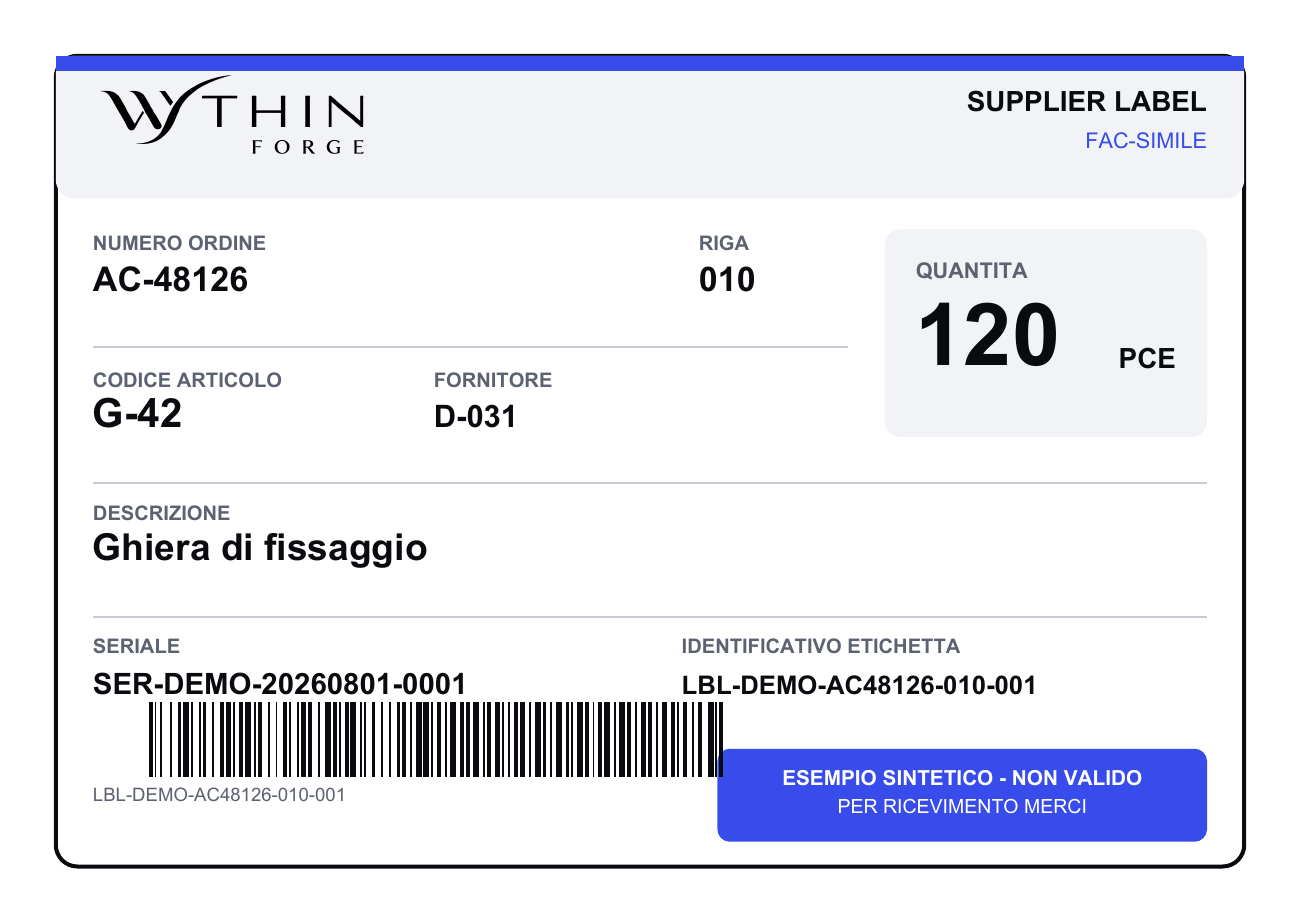
Receiving label example
Inspect the synthetic label PDF and agree the source connection and printing checks for your environment.
Data, format and outcome in one flow reduce places where inconsistent information can be copied.
The essential product evidence
Only the most useful screens are shown. Product visuals use synthetic scenarios and may preserve the original Italian interface; customer outcomes remain separate from demo values.
Explore the workflow in three steps
From priority order to receiving label.
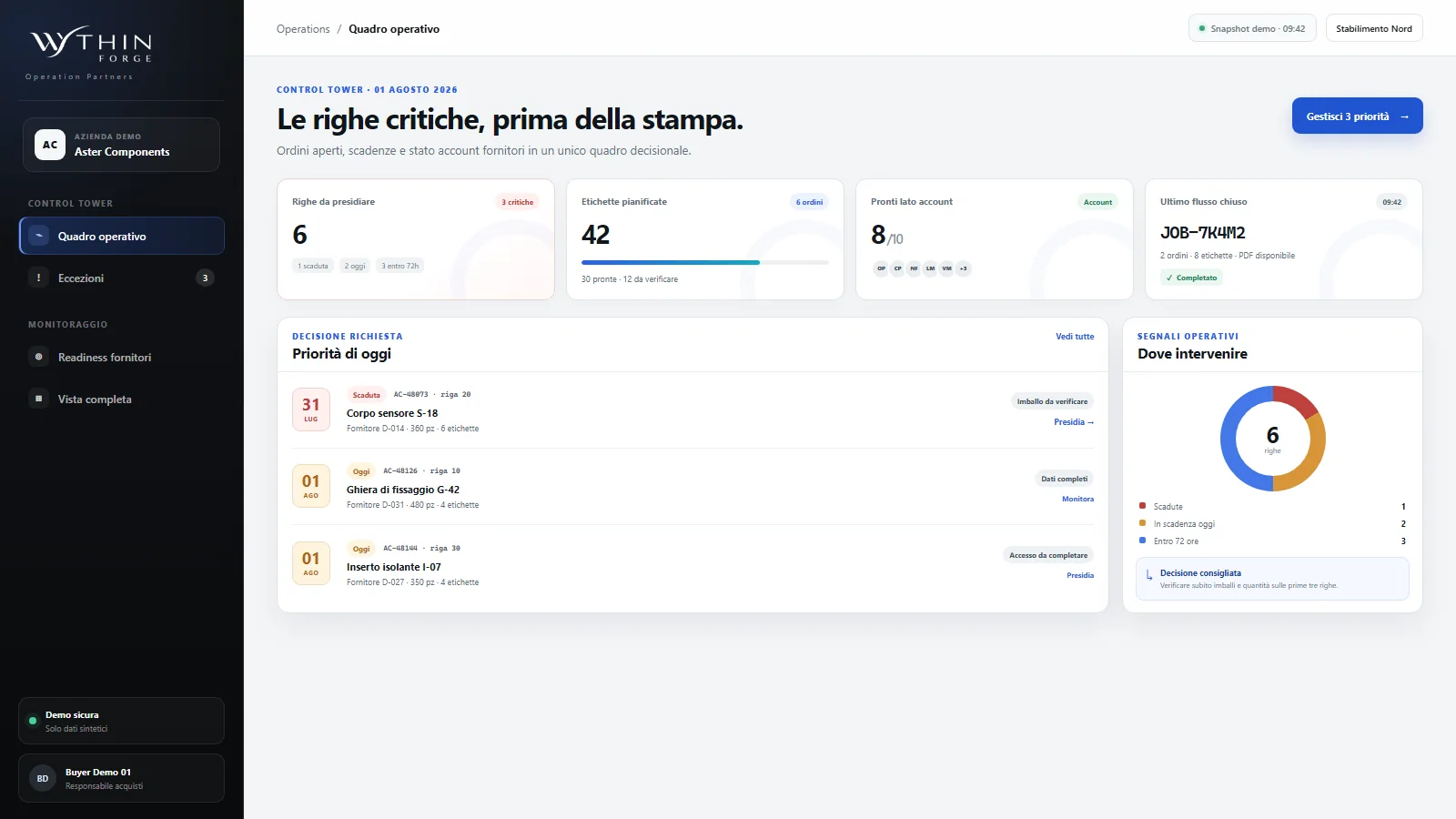
What this demonstration proves
A supplier workflow preview with synthetic data and a sample label. The WMS connection, backend generation and physical printing require a test in the agreed configuration.
How it works in detail
Start from a shared order priority
Purchasing and suppliers need the same order references, requested dates and quantities. Operation Partners brings that context into a supplier workflow so preparation starts from a shared priority.
Carry the order data into the label
The intended workflow connects order, item, quantity and packaging to a receiving label. The public preview uses prepared synthetic data and an offline sample PDF. The WMS connection, backend generation and print outcome require a test in the agreed configuration.
Agree the connection and access
For the customer’s environment, define which orders each supplier can see, how the source is updated and which checks precede label generation. Verify the resulting label with the receiving workflow before activation.
Estimate time capacity in your process
What is reducing handoffs worth?
Illustrative scenario, not a measured result. Change the assumptions. The calculation uses staff work minutes and excludes waiting time and parallel tasks.
Theoretical capacity difference under your assumptions.
Assumed uniform monthly accumulation.
4,400 × 3 minutes ÷ 60 = 220 staff hours.
Illustrative capacity value: €6,600.
Read the chart values
| Month | Staff hours |
|---|---|
| 1 | 18.3 |
| 2 | 36.7 |
| 3 | 55 |
| 4 | 73.3 |
| 5 | 91.7 |
| 6 | 110 |
| 7 | 128.3 |
| 8 | 146.7 |
| 9 | 165 |
| 10 | 183.3 |
| 11 | 201.7 |
| 12 | 220 |
This is not a savings guarantee, cash saving or net ROI. Licensing, implementation, training and management costs are excluded. Validate it against measured times and volumes in your process.
Let’s assess your supplier and receiving workflow